Scenes
A scene is a bounded, off-world block-structure buffer — an editing canvas for prefabs you later stamp into the live world.
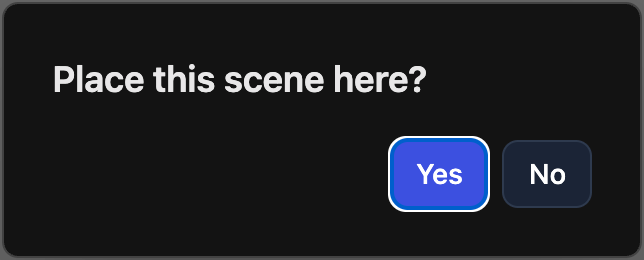
/scene:place <sceneId> <rotation:0-3> <x> <y> <z>— stamp a scene into the world at a position. Not typed by hand in practice: in creative mode (/mode creative) pick a scene in the floating palette, a translucent ghost follows the cursor,Rrotates it, then click the target cell — a yes/no popup confirms before the stamp is sent (Yesplaces,No/Esccancels). Placement re-streams the affected chunks to every player.
| Route | Purpose |
|---|---|
GET/POST /api/admin/scenes |
list / create |
GET/PUT/DELETE /api/admin/scenes/{id} |
metadata / rename / delete |
PUT /api/admin/scenes/{id}/dimensions |
resize |
POST /api/admin/scenes/{id}/duplicate |
copy name, dims, blocks |
GET /api/admin/scenes/{id}/blocks/raw |
binary blob: 3×4-byte BE dims + blocks + states + extraStates |
GET /api/admin/scenes/{id}/entities |
fractional block entities (lego/plate/arch) |
PUT /api/admin/scenes/{id}/layout |
shortcut bar layout |
GET /api/admin/ws/scenes/{id} |
live feed |
Configuration
Scenes are runtime data, not YAML. The blocks/raw blob does not carry fractional block entities — the client loads those separately on scene open.